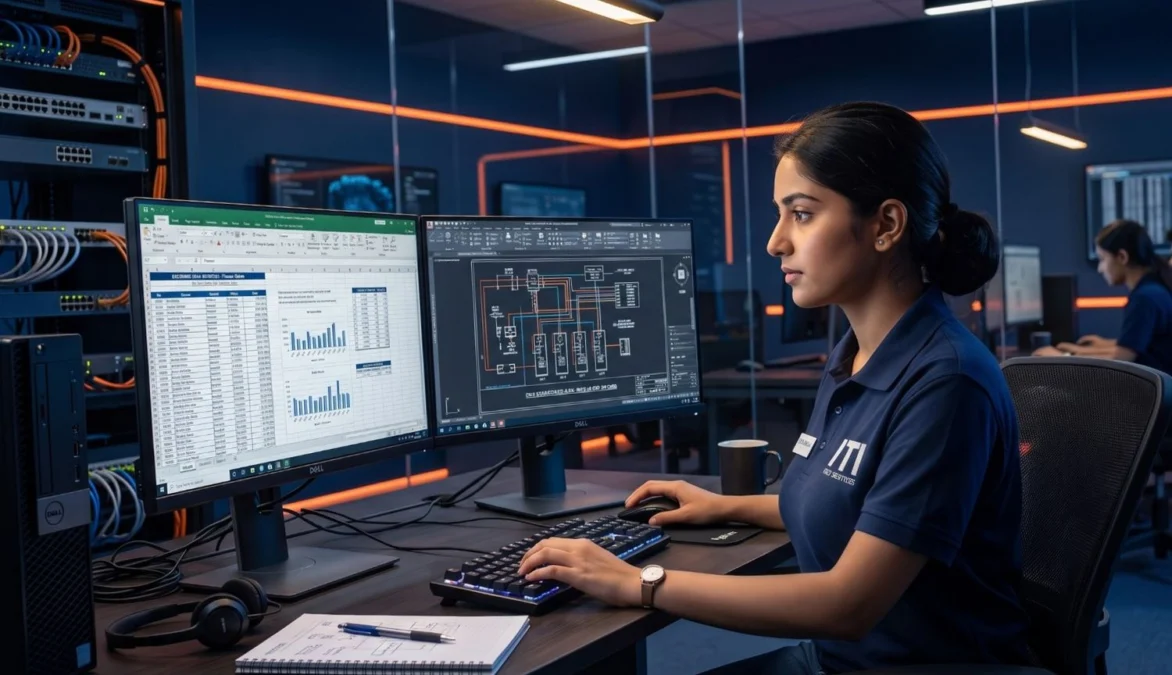
Mastering it literacy and computer skills for iti students is a critical requirement in modern automated manufacturing plants and digital governance frameworks. Acquiring strong it literacy and computer skills for iti students enables fitter, electrician, welder, and turner trainees to clear NCVT AITT online Computer-Based Tests (CBT) smoothly, maintain digital production logs, and utilize CAD-CAM software tools. This comprehensive technical guide covers it literacy and computer skills for iti students under National Council for Vocational Training (NCVT) and Directorate General of Training (DGT) standards, detailing computer hardware and software basics, MS Office productivity applications, internet security protocols, and CBT interface navigation rules.
📢 Share This Study Guide With Your Classmates & Friends!
📌 Guide Navigation Index
IT Literacy and Computer Skills Overview
Industrial evolution towards Industry 4.0 has transformed factory operations from manual paper logging to digital cloud monitoring. Possessing recognized it literacy and computer skills for iti students is mandatory for modern technical careers.
Information Technology (IT) literacy refers to the ability to use computers, mobile devices, internet browsers, and software applications efficiently. Developing it literacy and computer skills for iti students ensures technicians can operate CNC machine control panels, inspect digital drawings, and navigate online recruitment portals.
Importance of Digital Literacy in Workshops
- CNC Operation: Reading and uploading G-code and M-code programs to computer numerical control machines.
- Quality Inspection: Entering inspection data into digital spreadsheet logs for quality assurance audits.
- Online Testing: Clearing NCVT AITT Computer-Based Tests (CBT) without technical operational errors.
Computer Hardware and Software Basics
A computer system operates through the combination of physical equipment and programmed instructions. Understanding computer hardware and software basics for iti trainees establishes the foundation of digital literacy.
MS Office Applications for Industry
Microsoft Office suite remains the industry standard for documentation and data management. Mastering ms office shortcut keys for technical reports accelerates daily administrative and shop-floor tasks.
Core MS Office Programs
- MS Word: Used for drafting job resumes, technical reports, safety manuals, and official workshop memos.
- MS Excel: Used for creating production spreadsheets, calculation tables, inventory logs, and graphical charts.
- MS PowerPoint: Used for presenting technical project reports and safety training slides during morning meetings.
Essential Keyboard Shortcuts
Trainees save time during computer operations by utilizing standard shortcut keys:
- Ctrl + C: Copy selected text or data.
- Ctrl + V: Paste copied text or data.
- Ctrl + S: Save active document or spreadsheet.
- Ctrl + P: Open print preview dialog box.
Internet Safety and Cyber Security Rules
As industries connect machinery to industrial internet networks (IoT), understanding internet security and cyber hygiene rules prevents data breaches and malware infections.
Cyber Hygiene Best Practices
- Strong Passwords: Use alphanumeric passwords combining uppercase letters, lowercase letters, numbers, and symbols.
- Avoid Phishing Links: Never click on unverified email links or pop-up offers promising lottery prizes.
- Regular Backups: Store important workshop documents on secure cloud storage or external hard drives.
- Antivirus Updates: Keep system firewall and antivirus software updated to block malicious cyber threats.
NIMI Pattern CBT Exam Interface Navigation
Passing online exams requires familiarity with computer interfaces. Mastering ncvt cbt exam computer interface navigation prevents exam anxiety and accidental submission errors.
CBT Exam Screen Color Indicators
- Red Box: Question not answered yet.
- Green Box: Question answered and saved successfully.
- Yellow Box: Question marked for review without being answered.
- Purple Box: Question answered and marked for review (will be evaluated).
Before appearing for online tests, candidates practice mock exams on portals linked in our guide on Communication Skills in Employability Skills.
🛠️
NCVT Exam Syllabus Alignment
Under Directorate General of Training (DGT) guidelines, mastering it literacy and computer skills for iti students is a mandatory core module across all engineering and non-engineering trades.
NIMI Pattern Exam Weightage
Questions on computer hardware, MS Office shortcuts, internet safety, and CBT navigation account for 15% to 20% of total marks in NCVT All India Trade Test (AITT) Employability Skills examinations. Official curriculum frameworks can be accessed on the Bharat Skills Official Portal and the MSDE Official Portal.
NIMI Pattern Mock Tests
Practice official mock test questions on it literacy and computer skills for iti students across our study portals:
Frequently Asked Questions
Q1: What is the primary function of an operating system in a computer?
Ans: An operating system manages computer hardware resources, software applications, and provides a user interface for operators.
Q2: Which keyboard shortcut is used to copy selected text in MS Office?
Ans: Ctrl + C is the standard keyboard shortcut used to copy selected text or data.
Q3: What does a green box indicator signify in an NCVT CBT online exam screen?
Ans: A green box indicates that the question has been answered and saved successfully.
Q4: Why is a strong alphanumeric password recommended for cyber security?
Ans: Strong passwords prevent unauthorized access and protect user accounts from cyber attacks or hacking.
Q5: Which MS Office application is best suited for maintaining production inventory spreadsheets?
Ans: MS Excel is the ideal application for creating spreadsheets, data logging, and calculation tables.
🚀 Ace Your NCVT AITT Online Examinations!
Practice official NIMI pattern mock tests across Employability Skills, Trade Theory, and Workshop Calculation on Info ITI.